DNS Troubleshooting with Dig and Drill
Learn to use dig and drill on Linux and FreeBSD to inspect DNS records, compare resolvers, trace delegation, and troubleshoot DNSSEC failures.
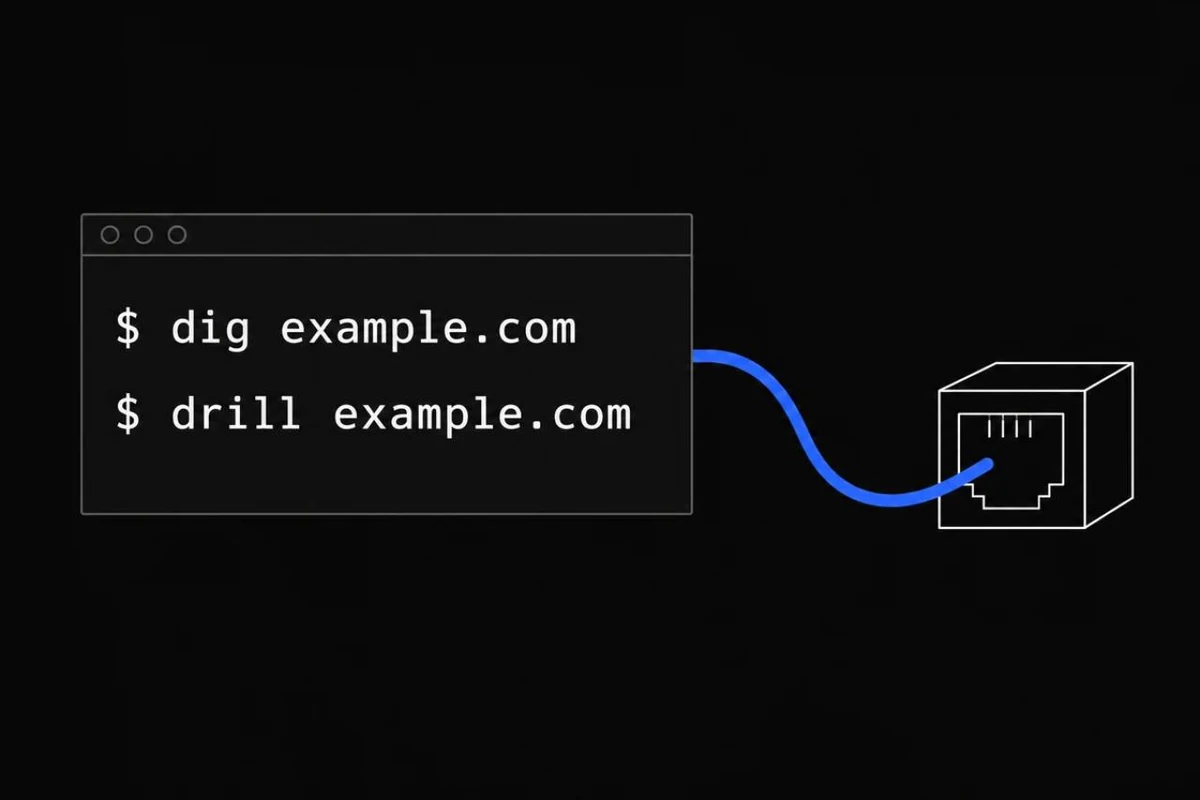
DNS is one of those services you barely think about until it stops working. A website vanishes, mail fails, or a server resolves to an address you retired months ago. And somehow, it's always DNS. The good news is that dig and drill can usually show you where to look.
It's Always DNS (Except When It Isn't)
There's an old joke among sysadmins:
It's not DNS.
There's no way it's DNS.
It was DNS.
You've probably seen it: everyone checks the firewall, interfaces, and routing, and then one dig command reveals an old A record. Not every problem is DNS, but check that the hostname resolves correctly before changing the network.
Install Dig and Drill
# Debian / Ubuntu
sudo apt install bind9-dnsutils ldnsutils

# Arch
sudo pacman -S bind ldns

# FreeBSD: drill is included in the base system
sudo pkg install bind-tools
Run the FreeBSD installation command as root if sudo is not installed. Replace the example domains and IP addresses below with the ones you're troubleshooting.
Basic Record Lookups
dig example.com
dig +short example.com
dig example.com A +short
dig example.com AAAA +short
dig example.com MX +short
dig example.com NS +short
dig example.com TXT +short
dig www.example.com CNAME
drill example.com
drill example.com MX
A and AAAA hold IPv4/IPv6 addresses; MX handles mail routing; NS points to name servers; TXT often supports SPF and verification; CNAME aliases names.
Compare Resolvers and Authoritative DNS
dig @1.1.1.1 example.com A +short
dig @8.8.8.8 example.com A +short
dig @9.9.9.9 example.com A +short
drill example.com @1.1.1.1

# Replace with one of the real authoritative NS hosts
dig @ns1.example.net example.com A +norecurse
Different answers can be due to caching, split DNS, or CDN behavior. Check the aa flag for an authoritative response. DNS "propagation" often means cached records expiring at different times. Omit +short when you need to see flags, status codes, and TTLs.
Trace Delegation, Reverse DNS, and DNSSEC
dig +trace example.com
drill -T example.com
dig -x 192.0.2.10
drill -x 192.0.2.10
dig example.com DNSKEY +dnssec
dig example.com DS +dnssec
drill -S example.com
dig +trace and drill -T follow delegation from the root; they need direct access to authoritative DNS servers. Reverse lookups request PTR records. The documentation address 192.0.2.10 is a placeholder, so don't expect a useful public PTR answer.
dig +dnssec requests DNSSEC-related records; it does not validate signatures. drill -S chases signatures toward a trusted key. Validation requires a build with cryptographic support and a current trust anchor, supplied through the configured default or -k /path/to/trusted-key.key. Check the validation output: an unsigned answer is not proof of a secure DNSSEC chain. See the dig manual and drill manual for option details.
DNS Transport and Response Time
dig @1.1.1.1 example.com
dig +tcp @1.1.1.1 example.com
drill -t example.com @1.1.1.1
dig prints query timing near the end. Repeating tests matters because caches can make one-off timing misleading. DNS uses TCP as well as UDP, and blocking TCP/53 can cause hard-to-diagnose failures.
Real-World Checklist
dig example.com
dig @1.1.1.1 example.com
dig +trace example.com
drill -S example.com
Compare status codes: NOERROR means the query completed without a DNS error, but it can still have no records of the requested type. NXDOMAIN means the name does not exist; SERVFAIL means resolution failed; REFUSED means the server declined the query. Query authoritative name servers to distinguish resolver/cache issues from delegation or record problems.
Need Help With Your Network?
At FOO.XYZ, we help businesses troubleshoot networking, servers, routing, DNS, network security, and Linux/FreeBSD infrastructure. Whether you're dealing with a stubborn connection problem or planning an upgrade, we can help.
Phone: (213) 212-8317
Email: hello@foo.xyz
Los Angeles network engineering, business IT support, and infrastructure services.